
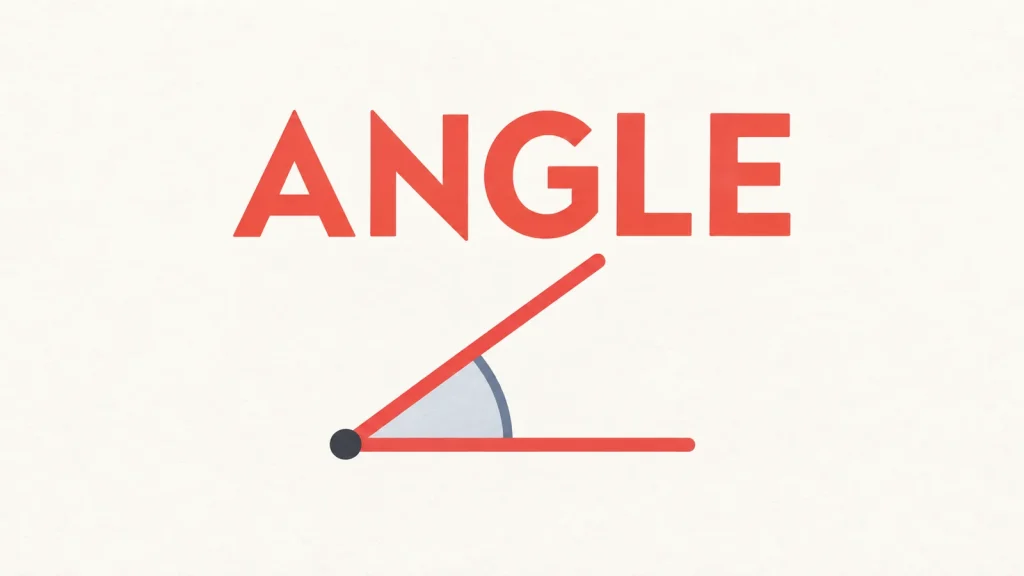
Angle is a daily geometry game in which you estimate the size of an angle in degrees. You have four guesses to find the exact value using direction and proximity clues, then a Make stage asks you to build the angle yourself.
My first blind Guess run ended on the third attempt: an upward arrow followed by a downward arrow narrowed the answer enough for a one-degree correction. The useful distinction is that being very close does not finish this first stage.
What do the arrows and temperature clues tell you?
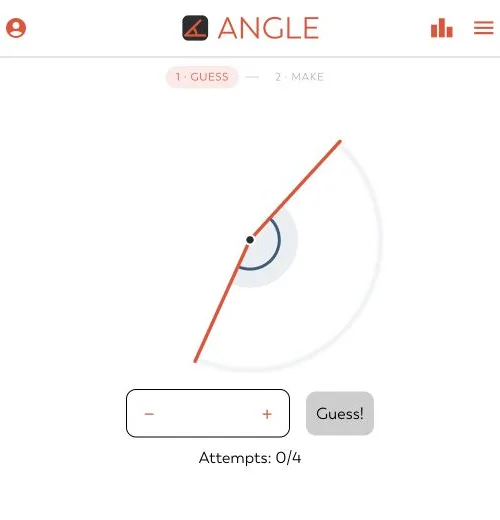
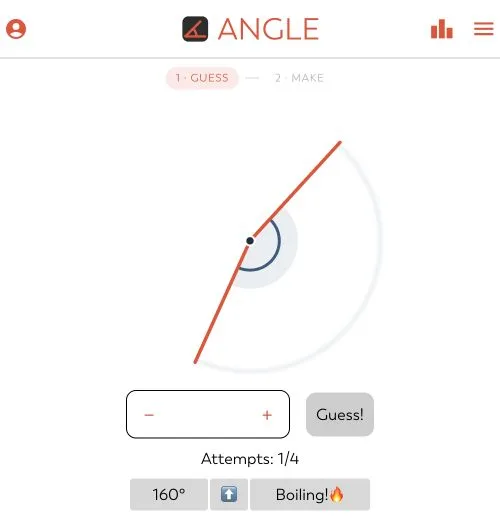
Look at the highlighted arc between the rays, enter a degree estimate, and press Guess. The rules allow four attempts. After an incorrect submission, read the arrow as the direction your next number needs to move: up means increase it, while down means decrease it.
In my run, the first estimate received an upward arrow and “Boiling!” The next estimate went slightly too far and received a downward arrow, still with “Boiling!” Both were close, but neither counted as correct. The interface supplied proximity wording rather than an exact numerical distance from the answer.
That sequence makes the arrows especially useful near the finish. Once two guesses bracket the target, work inside that interval instead of making another large visual adjustment. This helped in the tested puzzle; it is not evidence of an optimal opening number for every daily angle.
Make changes the task and the winning margin
After Guess, the daily game offered a second stage with a movable ray, a Commit button and three attempts. Its instruction explicitly said that landing within 5° counts. That tolerance belongs to Make; it should not be carried back into the exact-answer Guess stage.
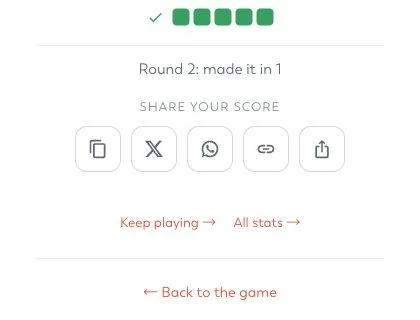
On the direct page, I dragged the ray into position and committed once. The game accepted the angle and displayed “Made it.” The result screen recorded Make in one attempt and offered copy, X, WhatsApp and link-sharing controls. I inspected those controls without publishing a score.
Dragging makes the second stage feel different from typing an estimate: you must translate a number into a shape rather than read a number from one. Judge the opening marked by the arc, because the rays’ position on the page can make familiar angles less immediately recognizable.
Construct offers more angles and finer control
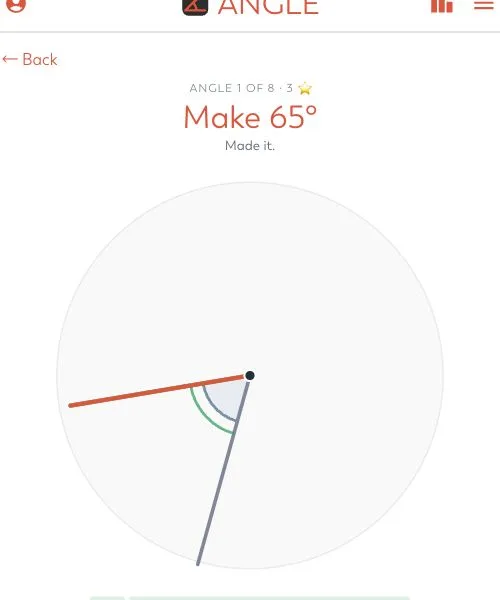
The result screen’s Keep playing option opened Construct, showing the first angle of an eight-angle set. Its controls included narrower and wider buttons, arrow-key nudges, Shift for five-degree steps and Enter to commit.
I tested a 65° target. Five Shift-plus-left nudges from the starting position brought the ray to the target; the first commitment earned “Made it,” a “Solved in 1” result and three stars. That demonstrates the keyboard controls, not that every Construct angle is equally easy. I did not finish the remaining seven angles or establish the full scoring system.
What this playtest covers
Testing took place on October 27, 2026, in a desktop browser. The blind daily Guess solve took three attempts inside an iframe. To complete Make on the direct page, I replayed the already-known Guess answer; that replay was a control test, not another blind win. Full embedded Make interaction was not verified, so this listing uses external play.
The recommendation is strongest for players who enjoy visual estimation with numerical feedback. Mobile controls, accounts, archives and saved progress were not assessed, and research interruptions prevent a useful completion-time estimate. Side and bottom ads appeared on the direct page, although the supplied screenshots focus on the game area.