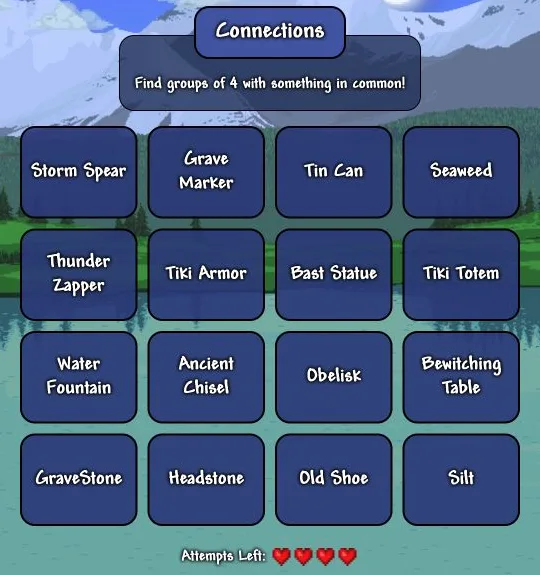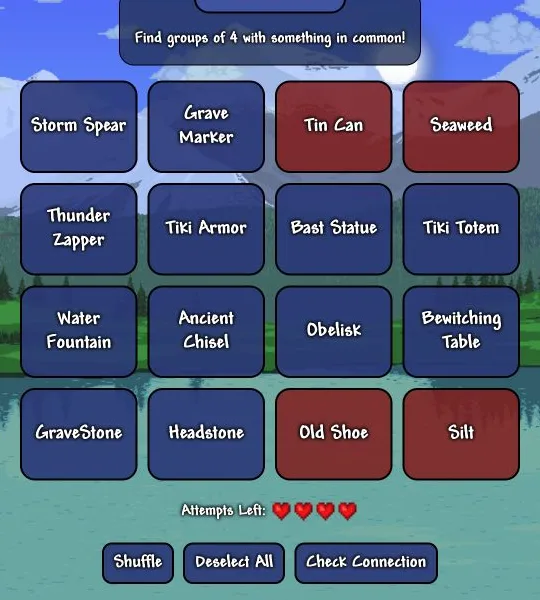

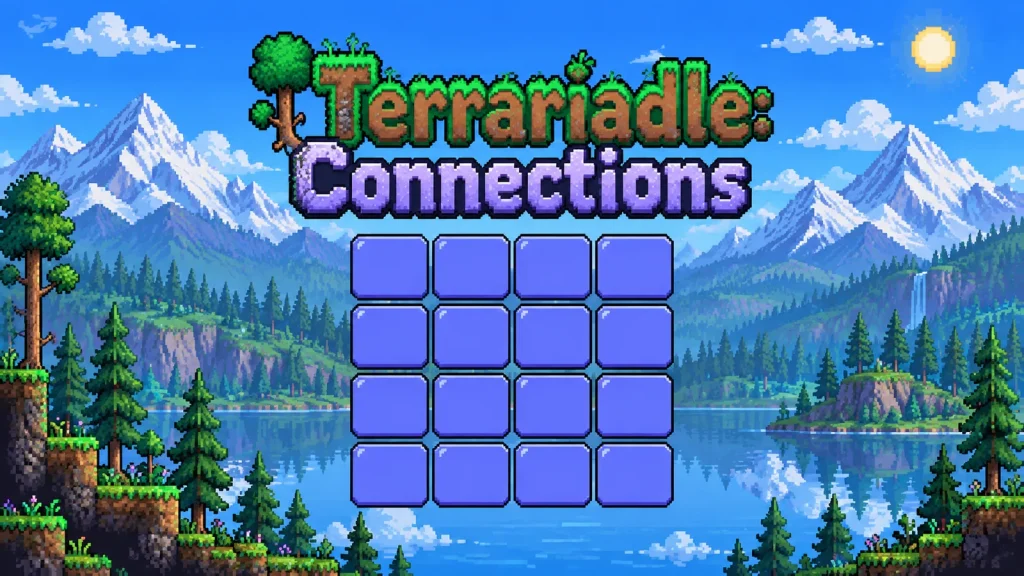
Terrariadle: Connections is a daily Terraria grouping puzzle: sort sixteen terms into four connected sets before making four mistakes. In our completed desktop round, selecting four tiles turned them red, and a correct submission replaced them with a labelled group while keeping all four hearts intact.
The appeal is recognising relationships across Terraria's enormous catalogue. Knowing what an object does can help, but remembering where it comes from may matter just as much. This is the Connections mode within Terrariadle, rather than the site's separate weapon-guessing game.
Think about Terraria relationships, not matching words
Start at the official Connections board. Read all sixteen entries before committing to a group. Click four tiles, then press Check Connection. That button was disabled until our selection contained four entries; after the fourth selection, the remaining unselected tiles also became temporarily unavailable.
Selected tiles appeared red in our test. That colour means selected, not incorrect: our first red selection was accepted. The successful set became a wide panel showing its category and four members, and the remaining tiles rearranged beneath it. We repeated that process until all four categories were complete.
The official instructions say you must finish without making four mistakes. They also explicitly distinguish this game from NYT Connections: categories have no fixed difficulty tiers. Do not assume the first coloured solution panel represents an easy category or that the last one must be hardest.
A shared source can connect very different objects
Our opening board mixed weapons, equipment, furniture and less glamorous items. The useful breakthrough was looking beyond appearance. One accepted group joined objects through a shared processing mechanic; another connected visually different objects through their loot source. A set of similarly named objects offered a more direct relationship.
That variety made the puzzle more satisfying than simply sorting everything into weapons and furniture. A familiar name could suggest several possible groups, and the challenge was finding a relationship that accounted for exactly four entries. We are leaving the actual solved sets out of this review so the worked observations do not become today's answer list.
A practical approach is to ask three questions before submitting: what does each item do, where does it come from, and who provides it? Try naming the proposed category yourself. If your explanation only fits three entries, reconsider the fourth instead of spending a mistake on a vague resemblance.
Shuffle and Deselect All are available beneath the board. They offer ways to revisit a selection or its arrangement; neither should be confused with requesting a hint. We did not need either to finish our round, so their detailed behaviour was not part of this test.
What a perfect round actually looked like
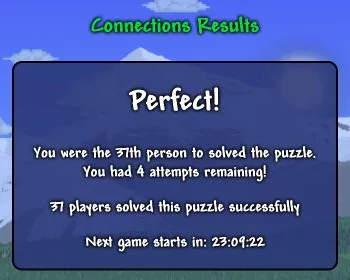
We submitted four correct sets and reached Perfect! with four attempts remaining. Every accepted group reduced the unsolved board, so the final choice was much easier to evaluate than the opening sixteen tiles. No incorrect submission occurred in this run, so we cannot describe any near-miss message from firsthand experience.
The result screen showed the completed categories and a countdown to the next game. Reloading retained our completed result rather than starting another board. We did not find an archive selector, unlimited-play control or share button in the tested interface. Those observations describe this visit, not a promise about future versions.
The main barrier is specialist knowledge. Players who recognise Terraria item names and remember their sources have more useful routes into the puzzle. If you want a daily challenge based on manipulating letters instead, Waffle provides a different kind of deduction.
Terrariadle: Connections FAQ
Can you play previous days?
We could not find a previous-day selector on the game or help page. Completing and refreshing the current board kept the result visible, with a countdown for the next puzzle.
Can you copy a result to share with friends?
We did not find a copy-result or share control on our completed Connections screen. It displayed the result and solved groups, so avoid sharing a full screenshot if your friends still want to solve the puzzle without spoilers.