
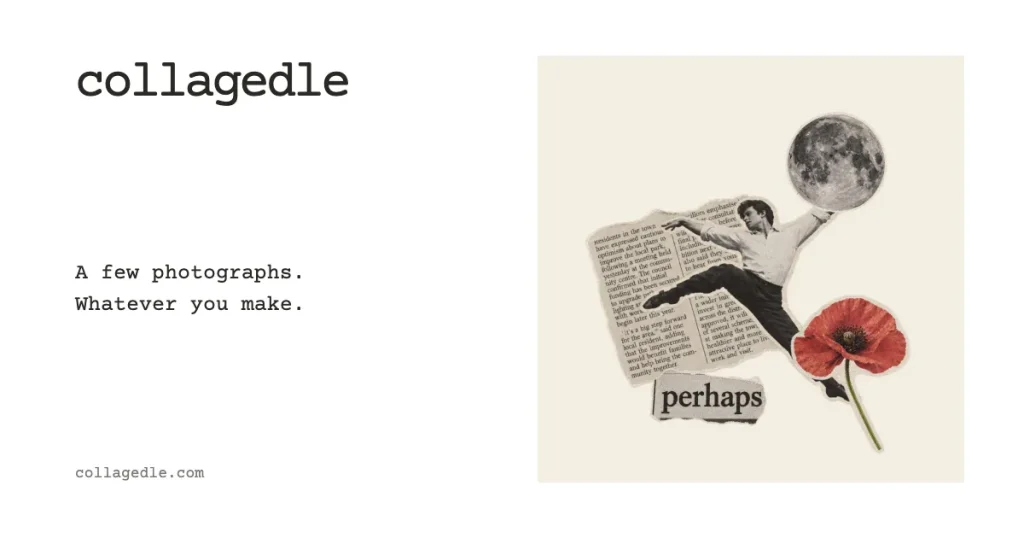
Collagedle is a daily collage game in which everyone receives the same kit of materials. Open the envelope, add words and cuttings to a square canvas, arrange them, and choose Done when your composition is ready.
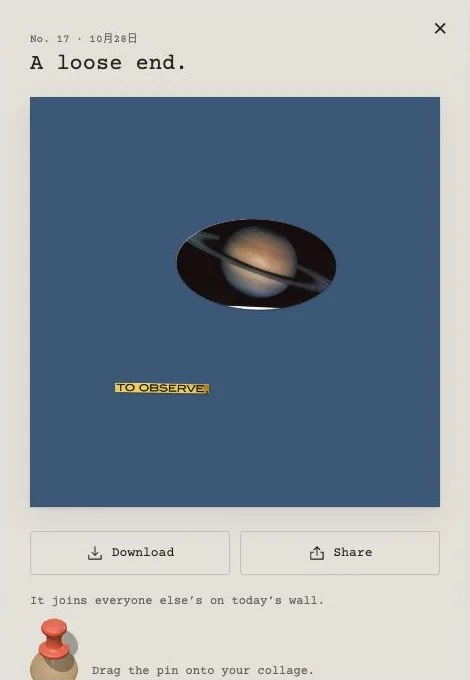
Our 28 October 2026 desktop session used kit No.17, “A loose end.” We finished a blue-paper composition with Saturn above a yellow “to observe” strip, then saved it privately. The finish screen offered a preview and saving choices rather than a numerical score, making this a creative daily ritual for us rather than a hunt for a correct answer.
Build around one cutting
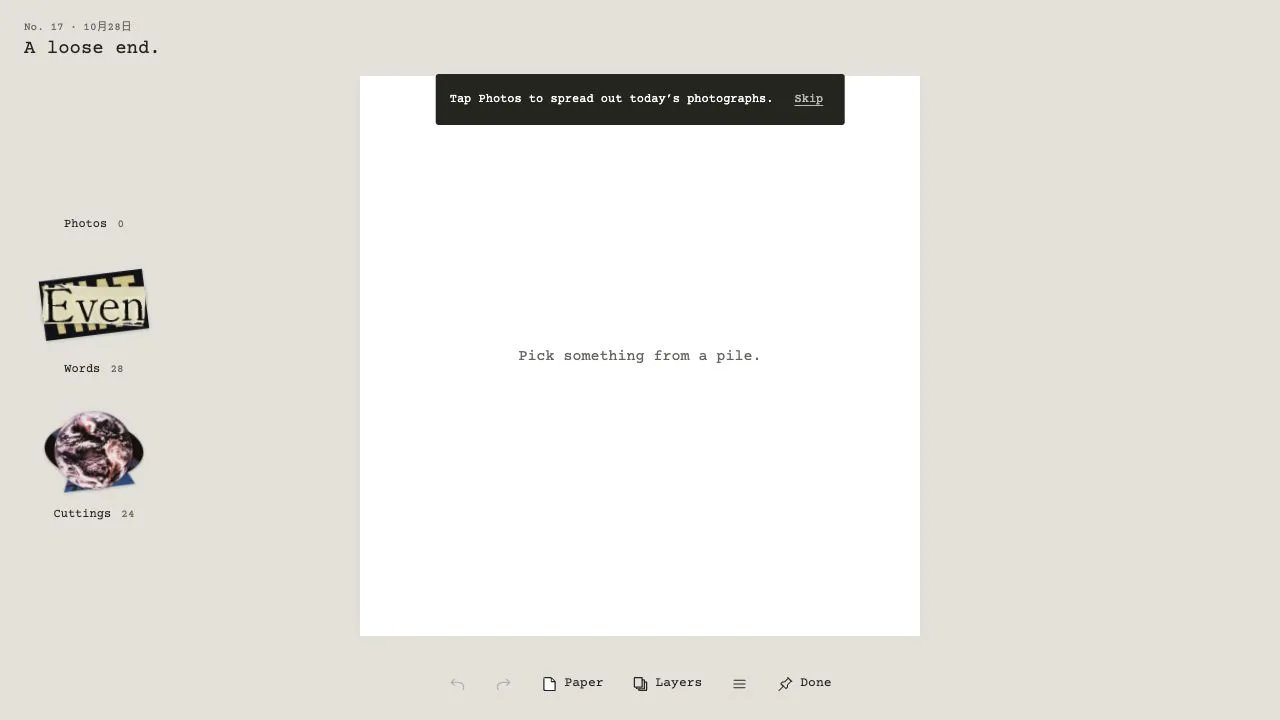
Opening the envelope revealed three piles: Photos, Words and Cuttings. Our kit showed 0 photos, 28 words and 24 cuttings. The tutorial still asked us to open Photos, so we used the other two piles instead. That empty photo pile limits what we can recommend about photographic collage from this particular day.
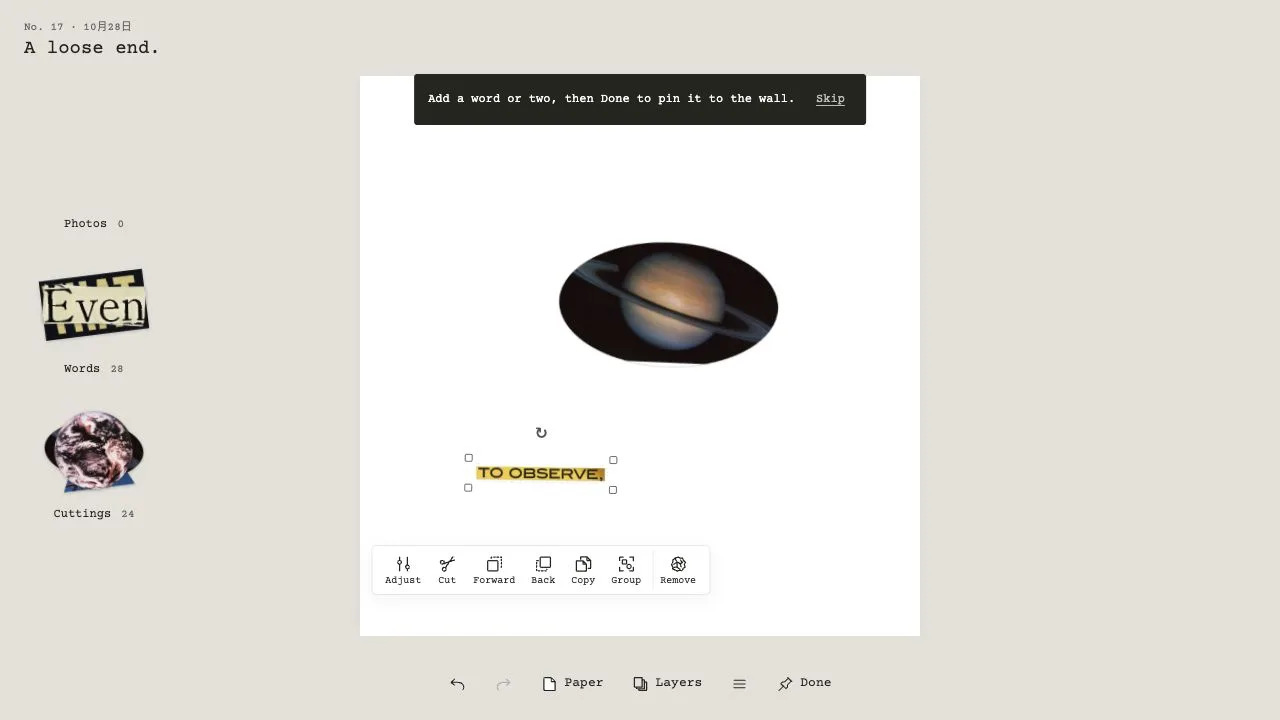
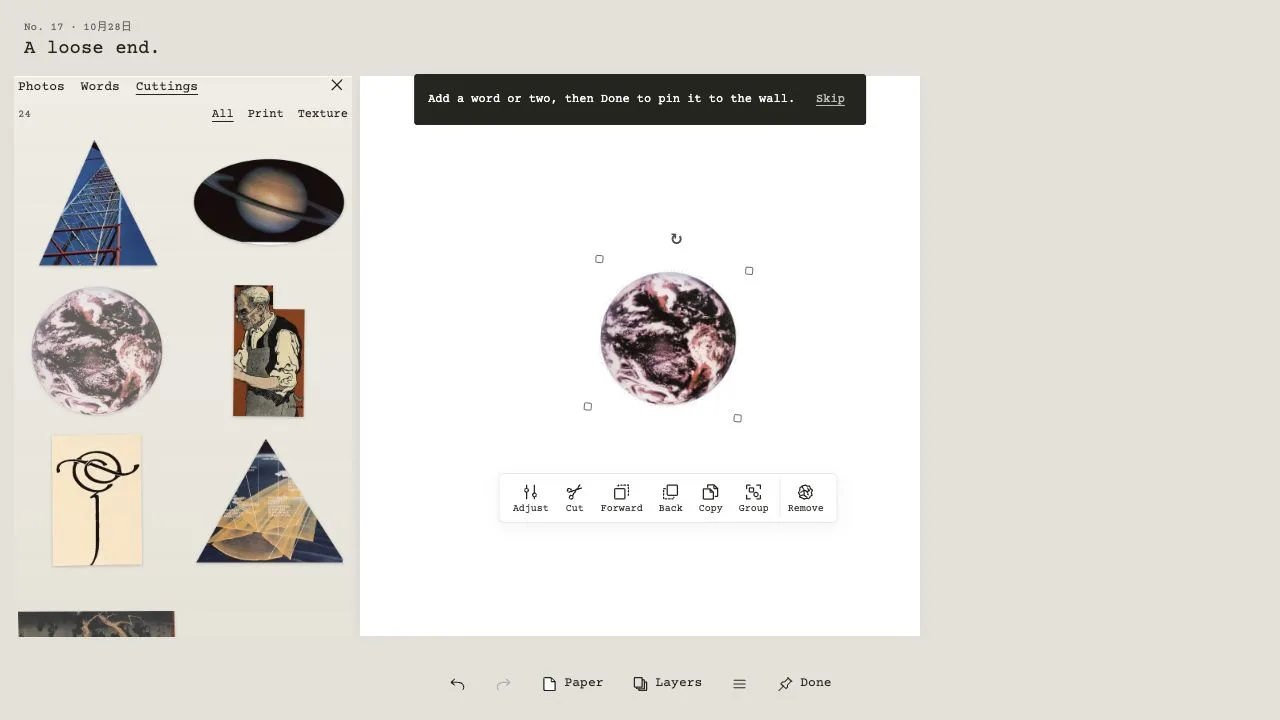
Click a pile to spread out its materials, then select an item to add it to the board. We chose Saturn and its rings, closed the materials drawer, and dragged the planet upward. Pulling its lower-right resize handle outward made it visibly larger. Adding “to observe” from Words then placed a separate strip below it.
Starting with one large cutting gave us something concrete to arrange the lettering around. The first useful decision was scale: enlarging Saturn made it the focus, while leaving the words smaller kept them as a caption. That is a composition suggestion from our own arrangement, not a scoring strategy.
Try paper before adding more pieces
The Paper control offered named colors including White, Cream, Yellow, Blue, Coral and Ink, alongside further swatches. We changed the white canvas to Blue, used Undo, and then Redo to restore the color. The completed preview retained that blue background.
Changing the paper was enough to alter our sparse composition without adding another object. Try that before filling every gap. Selected pieces also exposed rotation, cutting, layer-order, copying and grouping controls; our completed design only needed movement, resizing, words and paper color, so it does not establish how well those more involved tools work.
Done and public pinning are different choices
Done opened a finished-collage preview with Download and Share buttons, plus a pinning option and Save privately. We chose the private option and received “Saved on your wall.” That confirms the immediate save response; it does not establish recovery after clearing browser data or switching devices.
Read the pinning notice before submitting a composition publicly. It says pinned collages may be posted to Collagedle’s Instagram, with credit if you add your name. For a first experiment, finish the arrangement, inspect its preview, and use Save privately if you do not want to submit it to the public wall.